
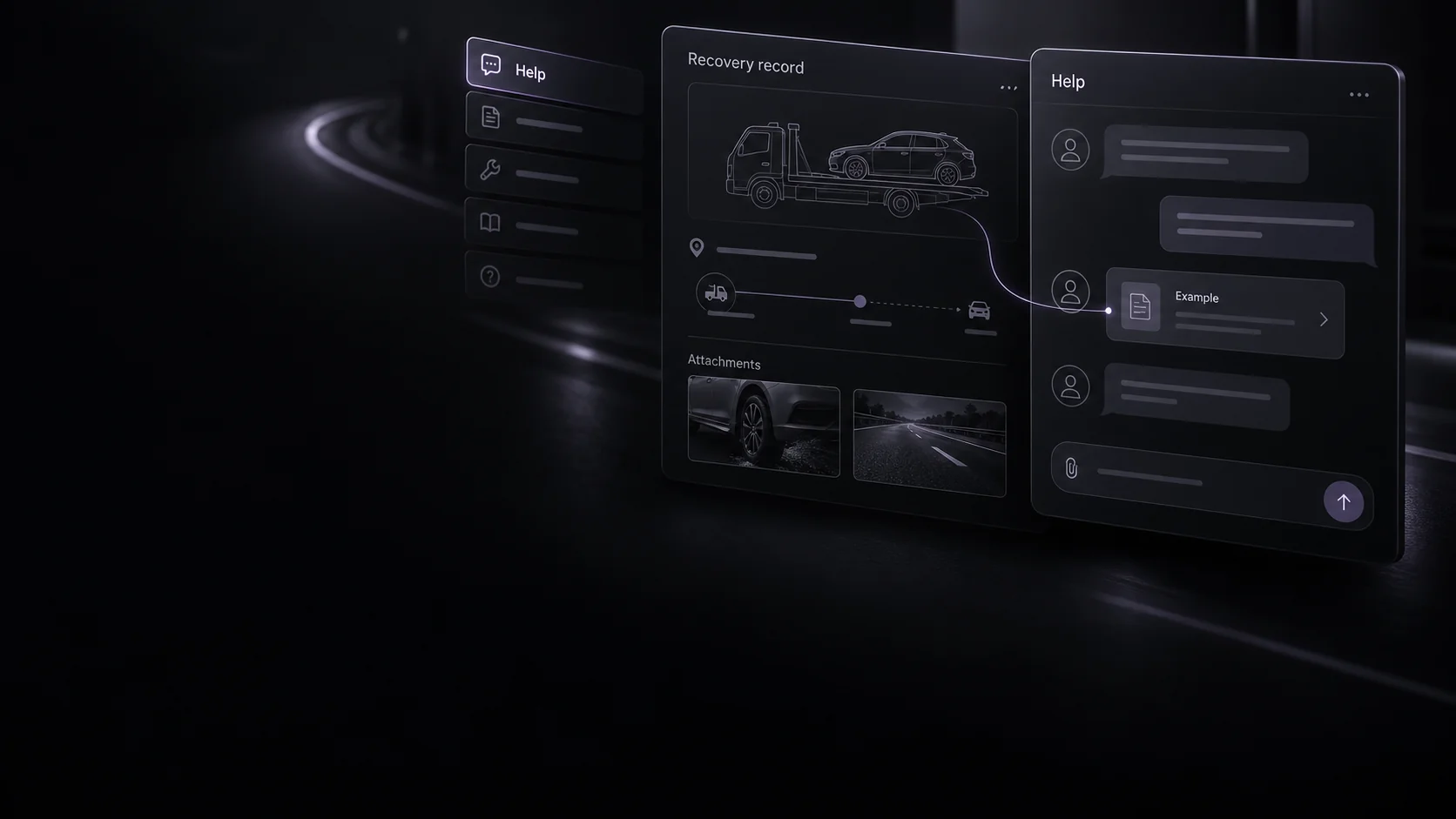
Quartz driver help. Find the next step.
Guidance for account access, documents, active recoveries and payments. Choose the topic that matches what you need to resolve.
In an immediate emergency, contact emergency services first. Quartz support is not an emergency service.
Account and app access
Signing in, location permissions or an app control not behaving as expected?
Explore the app workflow- 01
Use your own driver account and check the device’s connection and app permissions.
- 02
For location issues, review the readiness message and whether you are online or assigned to an active recovery.
- 03
Tell support what you tried, the message you saw and whether a booked job is affected. Never send passwords or sign-in codes.
Documents and compliance
A document expired, a replacement is awaiting review or a truck is restricted?
Review the requirements- 01
Identify the affected driver or truck document and check its expiry and review status.
- 02
Use the app’s document flow to provide a clear replacement. An upload still needs approval.
- 03
For a review question, identify the document type and relevant truck. Keep identity and insurance files out of general email.
An active recovery
Vehicle condition, access or delivery arrangements differ from the request?
Read the safety guidance- 01
Assess whether the recovery remains safe and within your equipment, competence and lawful capacity.
- 02
Keep the customer informed when safe and notify Quartz promptly if you cannot complete the job.
- 03
Provide the recovery reference, changed circumstances and relevant evidence. Do not leave a loaded vehicle in an unsafe situation.
- 01
Check the recovery record, completion status and connected payout account.
- 02
Identify the reference and amount or status you are questioning, and explain what you expected.
- 03
Keep payments on the platform. Never send card details, bank credentials or verification codes.
A review or appeal
Want a restriction, cancellation-related decision or payout hold reviewed?
Read review and appeal terms- 01
Read the decision and reasons provided; identify the account, truck or recovery it concerns.
- 02
Explain which points you want reviewed and provide relevant, accurate evidence.
- 03
Request human review under the Driver Platform Agreement. Written reasons apply where lawful; review does not guarantee a particular outcome.
Give support the context.
Use your account email and include the recovery reference where relevant. Describe what happened and what you tried. Exclude other people’s private information and never send passwords, sign-in codes or banking credentials.
Read the Privacy NoticeThe right guidance. A clearer next step.
Independent recovery work. Approval, suitable opportunities and customer choice apply.
Store availability is shown on the driver-app page.