
The Quartz apps
Your next move.
On your phone.
Request recovery, compare available quotes and keep your booking with you. The customer web app opens in your browser on mobile or desktop.
No app-store download is needed to use the customer web app.
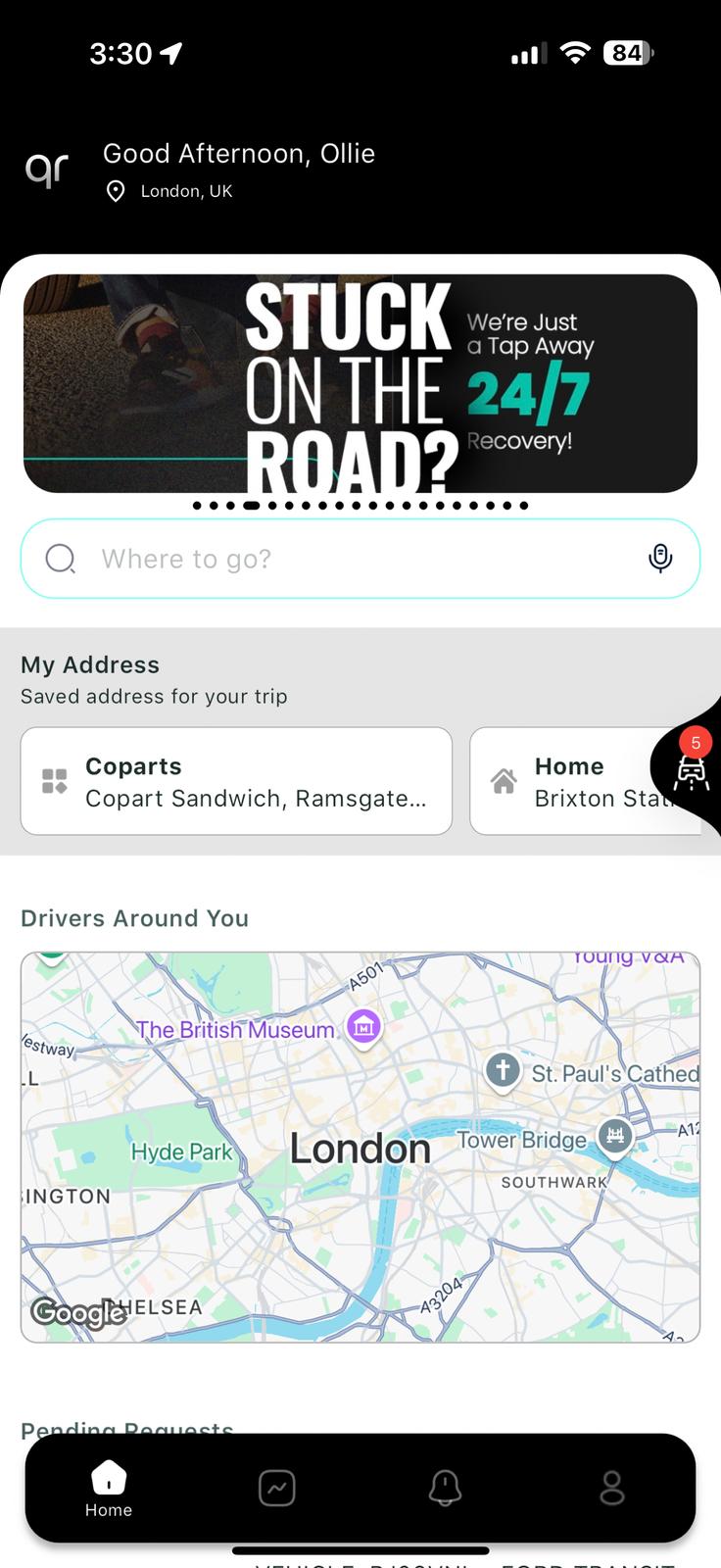
One place for the journey
From the request
to the destination.
Use the same Quartz account to return to a request or an active booking. Drivers assess the journey and vehicle information before quoting; available options depend on suitable drivers, access and the job.
01
Request and compare
Enter the pickup, destination and vehicle details. Review complete prices and arrival estimates before choosing.
02
Book and pay
Check the agreed scope and pay online. Your selected independent recovery driver performs the service.
03
Follow your recovery
Return to your booking for active-job progress, available tracking and communication. Arrival times remain estimates.
On iPhone or iPad.
Open the customer app in Safari and sign in to your account. To keep it close, use Safari’s Share menu and choose Add to Home Screen where available.
On Android.
Open the customer app in your mobile browser. Your browser may offer Add to Home screen or Create shortcut in its menu; the wording depends on your browser and device.
Planning from a desktop?
Use the web app on your computer to prepare a request or review a booking, then sign in on your phone when you need the details on the move.
A different app for drivers.
The driver experience is for recovery operators: review requests, quote for suitable jobs and keep progress connected to the booking. Driver access depends on application and compliance review.
A few things to know.
Can't find what you're looking for? Contact our customer support team