

Track your recovery. Stay in the picture.
Your driver, the journey and the next step—together in the customer app.
Your driver. A connected conversation.
Keep useful collection details and questions with the recovery. Open the booking to contact the assigned driver.
Open my recovery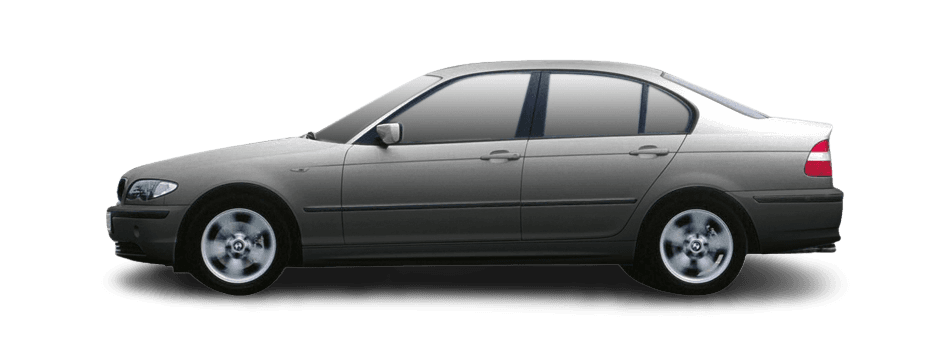
- Reference
- QR-DEMO-2401
- Contact
- Assigned driver
- Privacy
- Account access required
Agree the destination
Make sure the garage or recipient can accept the vehicle.
Prepare for collection
Keep keys and relevant access information ready to share with the driver.
Know what happens next.
The recovery moves through collection, loading, transport and delivery. Check the current stage in the customer app.
Open my recoveryKnow the next step
Follow collection, loading, transport and delivery in your recovery.
Keep context together
Your journey details and driver messages remain connected to the booking.
Updates need a connection
Location and status can be delayed when a device loses connectivity.
A human path
If something is unclear, contact the driver or use the support route in your booking.
Put progress in context.
View the route and location information available for your active recovery. Location and arrival updates depend on connectivity.
Open my recovery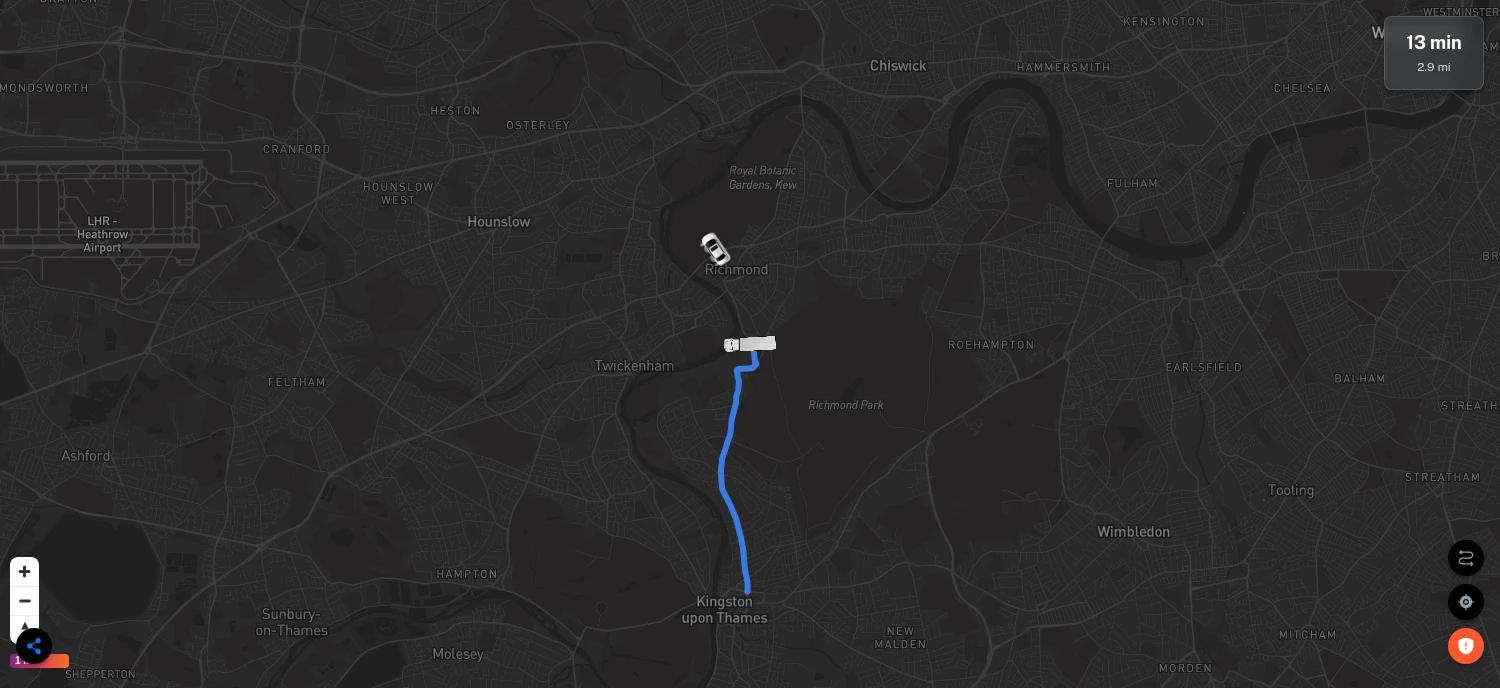
Updates need a connection
Location and status can be delayed when a device loses connectivity.
A human path
If something is unclear, contact the driver or use the support route in your booking.
One recovery. A clearer timeline.
Keep the current stage, driver details and booking reference together when checking progress or asking for help.
Open my recoveryOpen the booking. Find the right help.
Sign in to the customer account used to book. Find your recovery and use the available driver or support contact options.
Open my recovery- Use the account that created the booking
- Keep the recovery reference available
- Use the authorised contact options in the customer app
Your account
Recovery details are not a public lookup by registration.
Your reference
Keep the booking reference ready when contacting support.
Clear details.
A considered decision.
Vehicle condition, collection access and the receiving location all help a driver understand your request.
How Quartz worksYour options.
Without the guesswork.
Compare the available quotes. Check the whole price, arrival estimate and passenger allowance before you book.
Compare recovery optionsBefore you
get started.
Who carries out the recovery?
Quartz is a marketplace connecting customers with independent recovery drivers. The driver carries out the recovery; suitable options depend on the vehicle, route, access and availability.
Can passengers travel with the vehicle?
Request one or two passengers, including the customer. Check each quote’s stated allowance and confirm arrangements with the driver. Passenger travel depends on lawful seating, insurance and safe conditions; an unspecified allowance is not a promise of a seat.
Are prices and arrival times on this page live?
No. Interface demonstrations, prices, messages and journey states are illustrative. Request your own recovery in the customer app to see available quotes. Arrival estimates are not guarantees.
Where can I get help with an existing booking?
Open the customer app with the account used to book and find your recovery. Use its driver and support contact options, keeping the recovery reference available.
Your next move.
Start with Quartz.
Independent recovery drivers. Options depend on your request and availability.