
Join as a recovery driver. Start with the app.
Create your driver account, add the details of your operation and prepare for compliance review. Have a question first? We’re here to help.
The right app. The first step.
Start from the Quartz driver download page. Use the official available store listing for your device, not the customer booking app.
Find the driver appAn account for your operation.
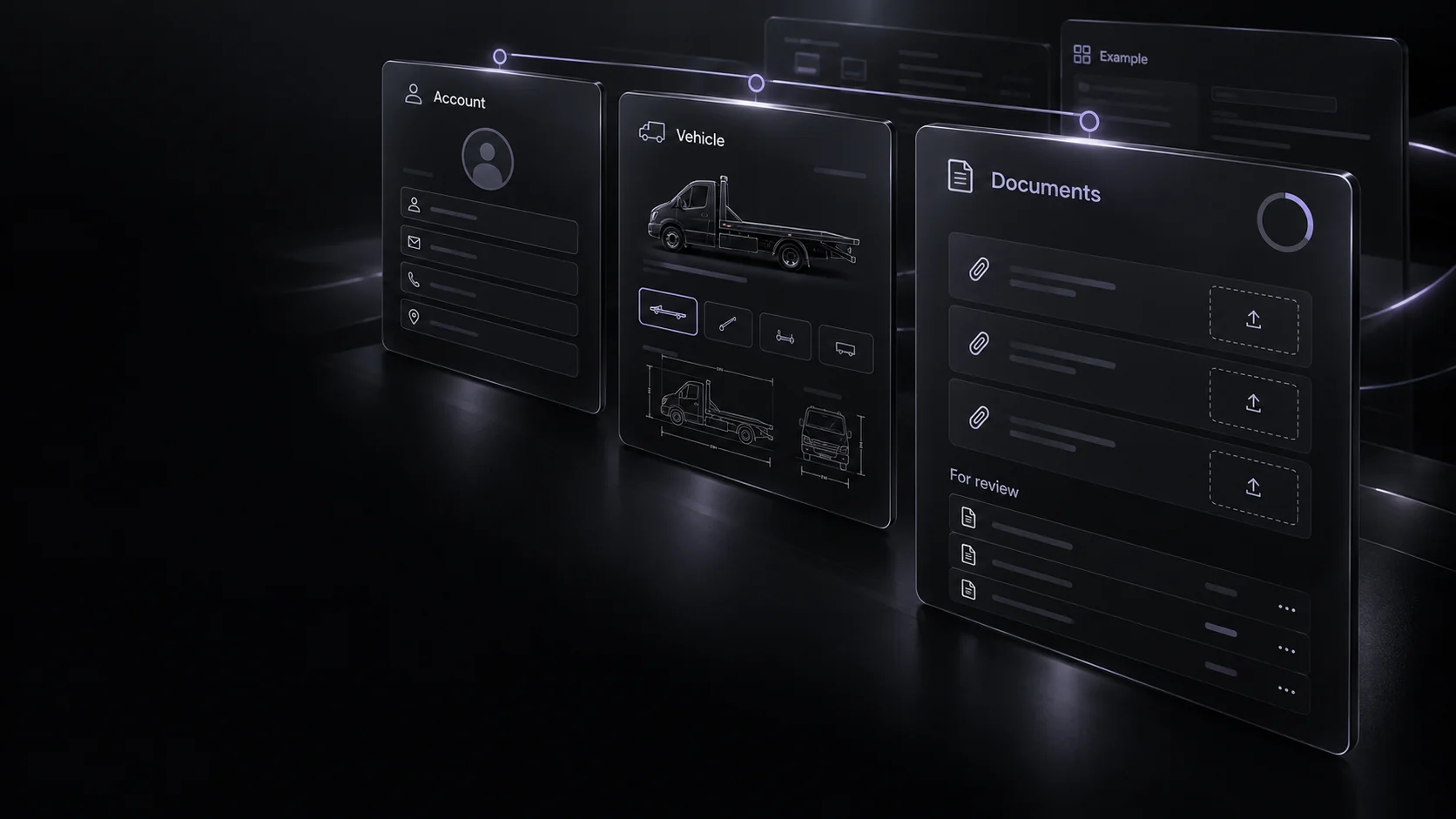
Create your own driver account and provide accurate contact and business information through the app’s onboarding flow.
How your information is handledYour truck. Your supporting details.
Add the truck and prepare the required driver and vehicle documents. Use the app’s upload flow, not a general enquiry email.
Prepare the requirementsA proper review. Then the work ahead.
Check your onboarding and compliance status. Respond to requests for clearer or updated information before treating the account as ready.
Help with the review processThe team checks the required information. Follow any feedback in the app.
Let’s clarify
the next step.
Tell us about your recovery business and what you’d like to know. This form prepares an email for you to review and send; it does not create a driver account or submit compliance documents.
Already have an account? Use Driver help for access, document or recovery questions.
Bring your expertise. Connect with Quartz.
Independent recovery work. Approval, suitable opportunities and customer choice apply.
Store availability is shown on the driver-app page.