
During recovery / Quartz recovery guide
Keeping track of your recovery, from booking to arrival.
Where to look for progress, what to communicate and how to get help with your booking.
By Quartz Recovery · Updated
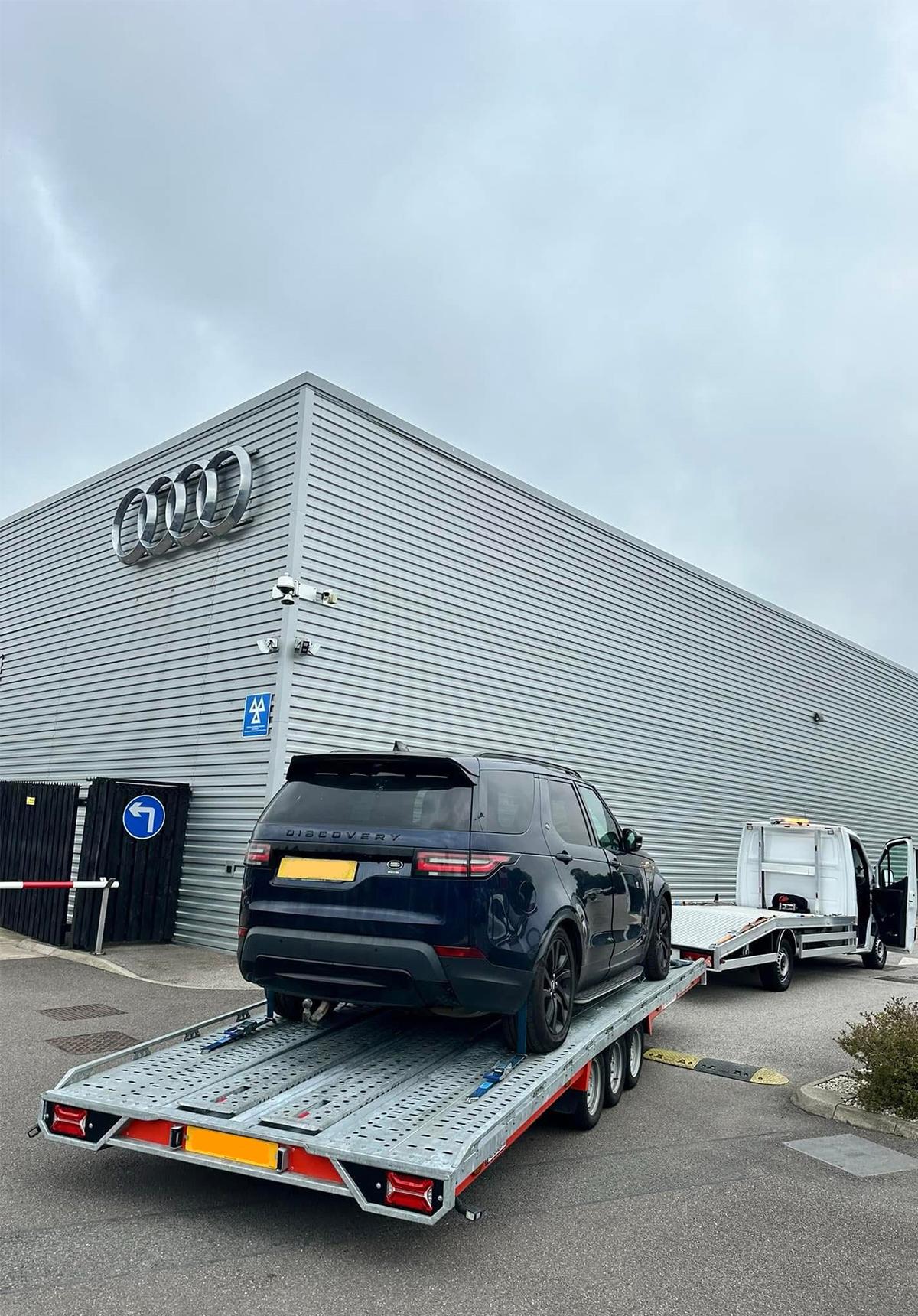
Keep your booking details close
After booking, use the customer app to return to your journey. Check that the pickup, destination and vehicle details still reflect the work required.
Keep your booking reference available if you contact support. It gives the team a starting point without needing you to repeat every part of the journey.
Follow updates during the active recovery
Use the app for available progress updates and tracking during an active recovery. Those updates help connect what is happening on the road with the booking on your phone.
An arrival estimate may change. Traffic and job conditions can affect progress, so avoid treating an earlier estimate as a guaranteed time.
Share changes through the platform
If something changes at the pickup or destination, tell the driver. Access, vehicle condition and receiving arrangements can affect the work even after a booking is confirmed.
Use in-platform communication for information relevant to the recovery. Do not share passwords or full payment-card details in messages.
- Tell the driver about changed access or vehicle condition
- Confirm receiving arrangements at the destination
- Keep communication relevant to the job
Use the right channel for help
For questions about the booking, contact Quartz support with your reference and a short explanation. Explain what you expected, what happened and what you need help with.
For an immediate threat to life or safety, contact emergency services. The recovery platform and support email are not emergency-response channels.
Sources and further guidance
This guide explains the booking experience; it does not replace the terms that apply to your recovery. For booking-specific questions, contact support.